
We're Building the Fallout: New Vegas Strip

Fallout just wrapped its second season over on Amazon Prime, but our passion lives on. So, what do you do with all that New Vegas passion? Recreate the entire New Vegas strip using 3D printing, paint, Arduino, and LED strips. You also recreate the iconic Pip-Boy, using a Raspberry Pi. You also create a working Fallout-inspired computer terminal to play New Vegas on. You also 3D print your own NCR ranger armor with a custom paint job.
I highly recommend checking out the video to see our process in action, but if you’re itching for a quick lowdown on all the projects, read on. Spoilers: it’s a lot of 3D printing, so warm up your P1S if you plan to follow along.
Building New Vegas
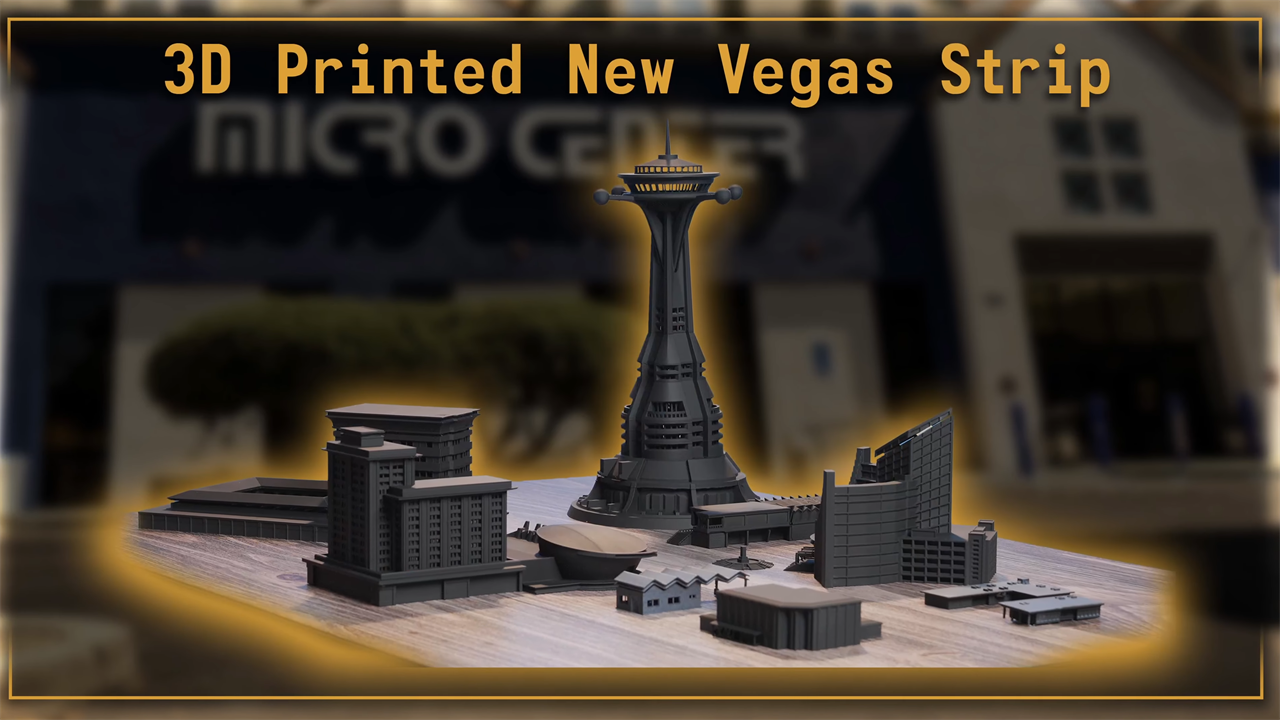 Photo: Micro Center
The base for our New Vegas model uses 3D-printed renderings of the buildings (you can get the STL files on Printables). Importantly, these renders have one distinct feature from the in-game originals: channels for nOOds from Adafruit. These led strips are incredibly flexible and, as their name would suggest, noodly. We’ll be wiring these throughout the strip, connecting them all together with a hidden Arduino.
We’ll also be painting the buildings, as well as a number of street signs, miniatures, and post-apocalyptic ephemera to flesh out the strip. Mount the whole thing to a board, connect the wires and there you have a New Vegas strip. Is it easier said than done? Almost certainly -- we’ll report back when we finish.
Building a Pip-Boy
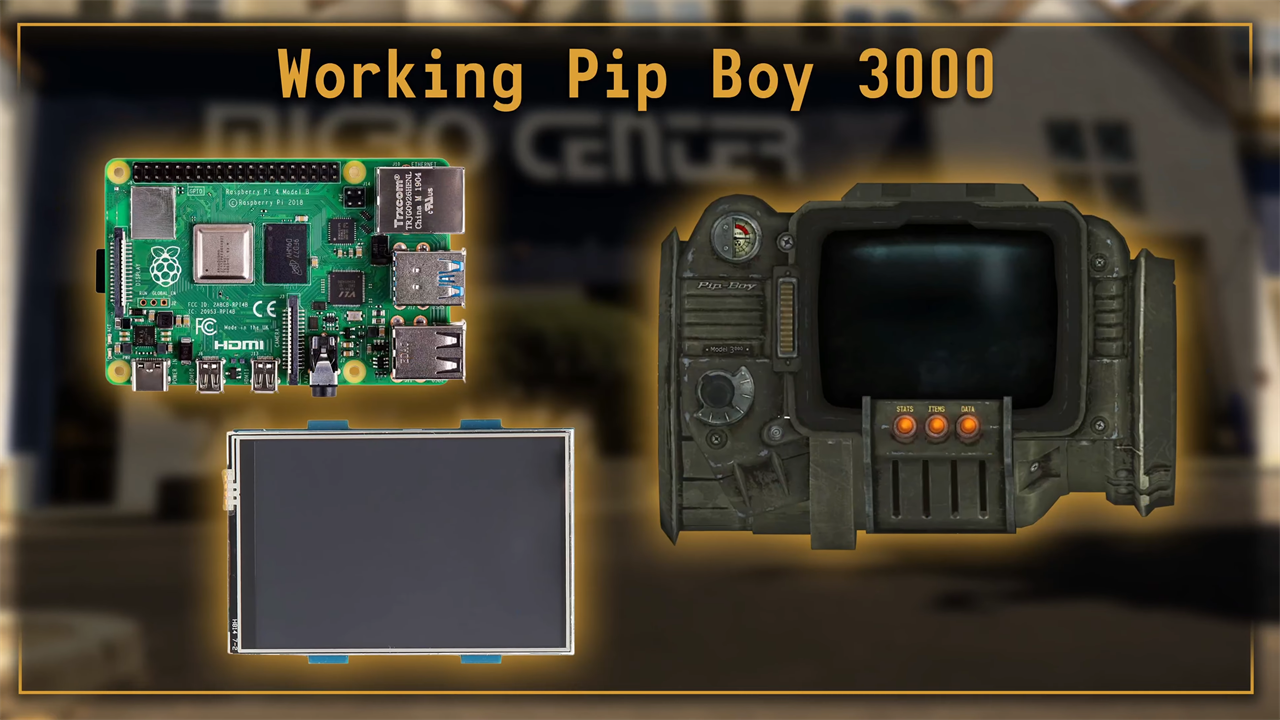 Photo: Micro Center
For Halloween this year, I 3D printed and painted a Pip-Boy. I was overall pretty pleased with how it turned out… Except that the screen was a piece of printer paper glued to the PLA.
With Pip-Boy 2.0, we’re still 3D printing and painting a Pip-Boy, but we’re taking it up a notch by adding an actual screen. We’ll be following these instructions from Adafruit for the Pi-based Pip-Boy, though I expect we’ll be making more than a few tweaks to the process.
Building a Fallout-inspired terminal
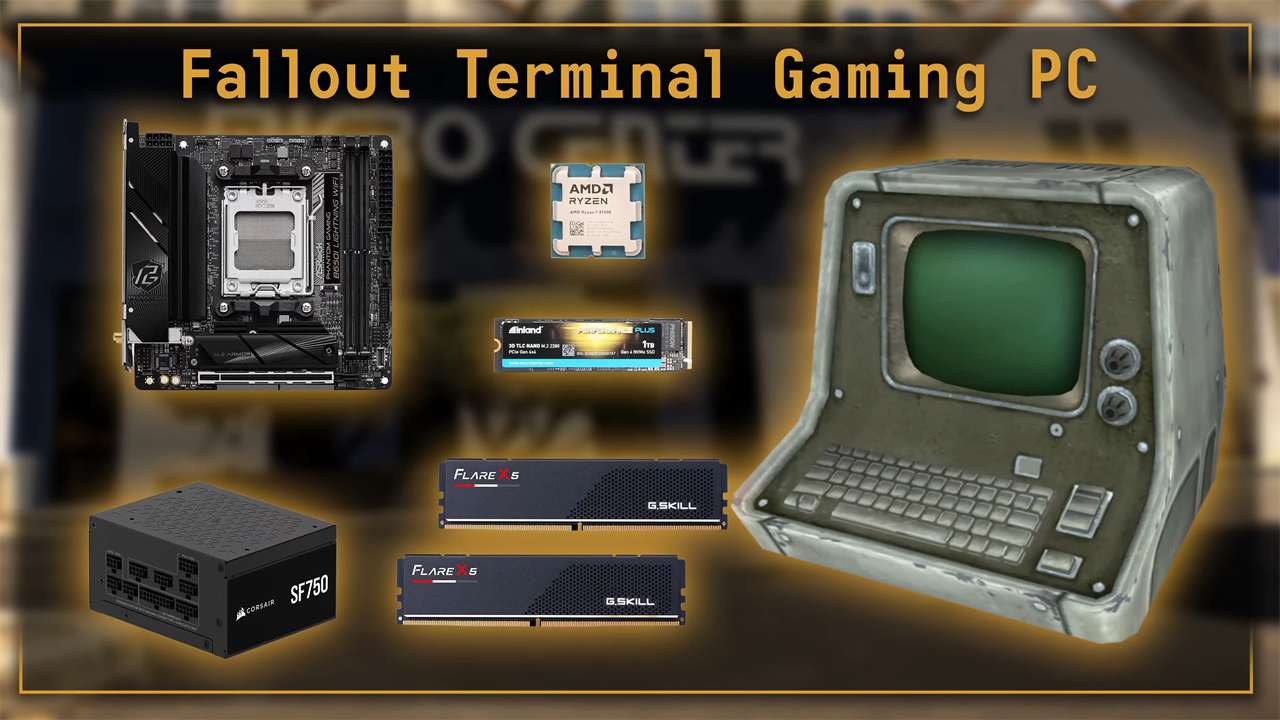 Photo: Micro Center
We had two goals for this PC: It had to look like a terminal from the Fallout series and it had to actually play Fallout: New Vegas. From there, Jacob was off, partnering with an outside designer to come back with printable STL files that would work with our specific needs.
Once printed, Jacob did some test fitting with our computer parts before whisking the myriad of 3D printed parts away for finishing, including PLA sanding, welding, and painting.
Building the NCR armor
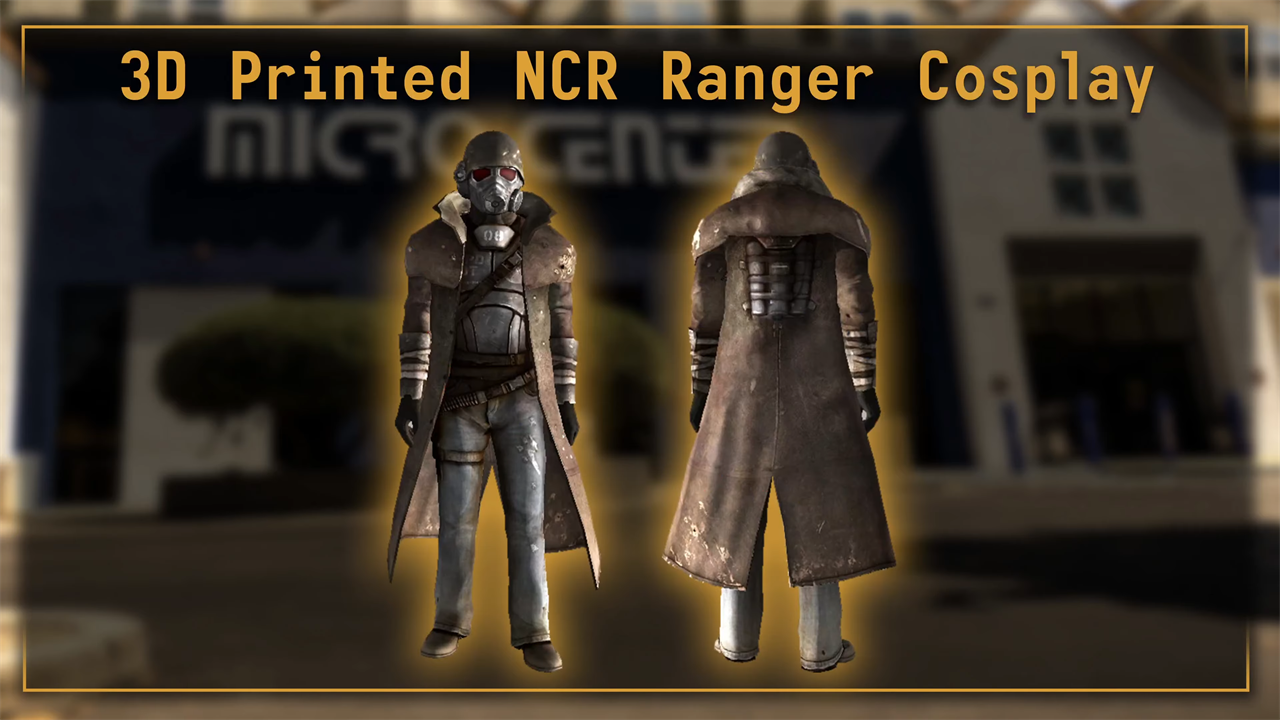 Photo: Micro Center
For Jordan’s final addendum to our original plan, he picked up STL files for the NCR armor from the great folks over at Galactic Armory and got to work.
Sizing for prints like this can be tricky, and definitely took some trial and error -- there are several NCR helmets of varying sizes floating around the studio now -- but once Jordan got the scale down, he was off and running, printing the remaining pieces and, like the terminal, prepping it all for PLA sanding, welding, and painting.
If you’re printing your own armor and need some help with the sizing, check out our guide on 3D Printing for Costumes.
The question at the end of all this, however, is will any of it actually work? Keep your eyes on Micro Center News and our YouTube channel; Part 2 is coming soon! Though, if you want even more Fallout while you wait, Jordan recently put together a Lucky 38 themed PC build that looks absolutely stunning.
Updated 2/23 with more details